Platform cost guide: pricing, limits and extras
We break down the real cost of a brand system: the platform, specialist work, licenses, production and later changes. Compare proposals with the same scope.
- The cost of a brand varies by scope and includes initial work, licenses and ongoing maintenance.
- When choosing an option, compare the cost of the complete system based on team size, required applications and how often the brand will change.
- A brand budget usually starts with strategy, identity and core files. New applications increase the cost.
- Other costs may include fonts, photography, production, templates and support.
If you run a small or medium-sized business, you need a reliable, easy-to-use system to manage your brand. Platforms, agencies and specialists can help, but how much does the complete process actually cost?
The answer depends on your starting point, scope, licenses and applications. Whether you're starting from scratch or organizing an existing brand, understanding these costs keeps you from comparing proposals that include different things.
This guide breaks down a brand budget so you can decide which process fits your business and the way you work.
How much does a brand system cost?
Options vary by need. A new business doesn't need the same things as a team with multiple channels, assets and collaborators. Separate the initial cost from the monthly cost.
Let's break down the common levels and what each should include:
Starter project
A basic tool may cost $0 per project per month, excluding specialist work, licenses or additional production.
It may work for a new business or one that only needs to organize existing assets.
It may include:
- Basic brief: Gather context, references, constraints and project goals
- History: Review data from the project such as versions, comments and decisions to understand what changed and why
- Online assets: Let your team access logos, colors, fonts and files from the project
- Asset library: Organize formats and identify work that is missing or needs review
What to check:
- Project access for one person and clear pricing for each additional collaborator
- Support with published hours, channels and response times
Can it be free? Yes. A basic option covers the essentials but may fall short if you need features such as team approvals or detailed history. If so, look for platforms that include those features and don't require you to keep important decisions in external documents.
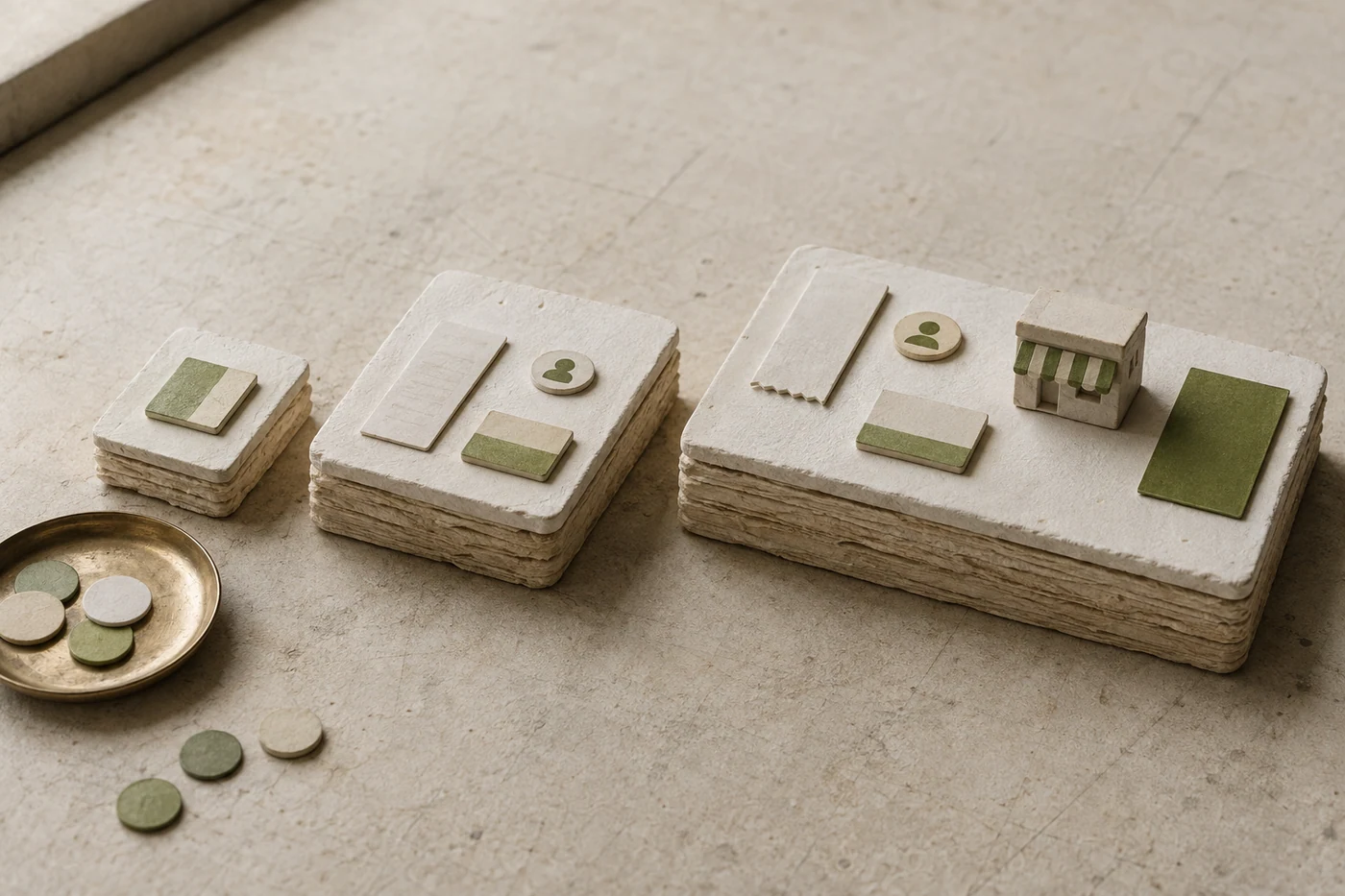
Team plan
A team option usually adds a monthly cost per project.
It fits businesses with multiple collaborators, channels and brand applications.
It includes the above and adds features to coordinate your brand system such as:
- Advanced permissions: Define who can comment, edit, approve and export
- Change tracking: Review versions and recover assets
- Open reviews: Leave comments and revisit decisions without losing context
- Task assignment: Send each review to the person responsible
- Real-time status: Show what's pending, approved or ready to export
What to check:
- Project access for one person and clear pricing for each additional collaborator
- Mobile project access with published pricing per person or team
- A shared library of assets and formats without download fees
- Support with clear hours
A team option works when a single account is no longer enough, but you don't yet need a custom process. It should let you coordinate decisions, maintain assets and add applications without migrating the project.
Organization plan
Usually starts with pricing based on scope. An organization option serves multiple teams, brands or units. It includes the controls an established business needs to stay consistent.
It includes everything above and also adds:
- Online assets: Configurable approval workflows
- Teams and responsibilities: Assign access by project, role or unit
- Central administration: Manage people, permissions and billing in one place
What to check:
- Project access for one person and clear pricing for each additional collaborator
- A shared library of assets and formats without download fees
- Broad project and asset access without per-device charges
- An asset portal for external collaborators
- Support with clear hours
An advanced option makes sense if you manage multiple brands or teams and need help with permissions, governance, support and integration.
Production and file costs
Applying a brand requires investment in production and tools.
Here's the detail: many applications require specific vendors, licenses or formats. A brand system organizes assets but does not replace printing, photography, development or production.
Even if the platform has clear pricing, add the cost of fonts, images, printing, development and external tools.
These are the most common production items and their costs:
Choose formats that match the intended use. A logo for a screen needs different files than one for embroidery, signage or large-scale printing. Request only the variants you will use.
Also include tools your team already pays for. A design subscription may be enough for simple changes, while professional editable files offer more flexibility for specialist production.
If you manage multiple brands or units, budget for more templates, permissions and adaptations. Those costs grow quickly, so define shared rules before production.
How to calculate the cost of specialist work
When building a brand, specialists' time matters. Fortunately, a clear budget makes it easier to compare.
These are common ways to charge for brand work:
Fixed project price
The provider defines the scope, deliverables, revisions and deadline. This works when the brief is clear and out-of-scope changes are quoted in advance.
- Cost: agreed amount per project
Monthly subscription
The platform charges for ongoing access to the project, library, history and generation tools. Check usage, member and export limits.
- Cost: amount per project or person
Hourly rate
The specialist tracks time spent on research, design, review or production. This works when the scope cannot be defined in advance.
- Cost: rate based on time and specialty
Per deliverable
Each logo, guide, template or application has a price. It's easy to understand, but may duplicate work if each piece redefines the same foundation.
- Cost: price per deliverable
Custom pricing for multiple teams or brands
Organizations with multiple projects usually pay based on the number of brands, people, integrations, asset volume and support level.
- Cost: Varies
These models are clear individually, but costs can add up. Track what you pay for the platform, specialists, licenses and production. This helps avoid unexpected charges and check whether costs match actual use.
Other brand costs to review
Even when a proposal has simple pricing, review additional costs before accepting extended services.
These services can solve real problems, but each adds its own charges:
Extras: photography, fonts, templates and production
A platform may offer tools to maintain your brand, but some cost extra:
- Photography: A shoot may be billed by the hour, day or number of images. Retouching, models, locations and licenses may add costs.
- Fonts and licenses: Pricing depends on usage, styles and scope. It's an important part of the visual system if the font isn't free for commercial use.
- Templates: Set a price per format, family of pieces or level of customization. Clarify whether you can edit the files and reuse them in future campaigns.
Out-of-scope changes
A good proposal explains how out-of-scope changes are billed. Nobody should discover a new fee when requesting a different direction, an additional application or a late revision.
External integrations
Connect other applications to expand the system. They may help with editing, storage or production, but also add subscriptions. Record those services in the total project budget.
Which type of system fits your needs?
A basic tool can be a good option for small businesses if you need to organize a few assets at a low cost. Another platform may fit better when your team needs guided strategy, approvals, versions or room to grow.
A design tool creates individual pieces. Maintaining a brand requires connecting decisions and assets.
Grubbx brings that process together in one project. Schedule a demo to review your needs and compare which option fits your business.