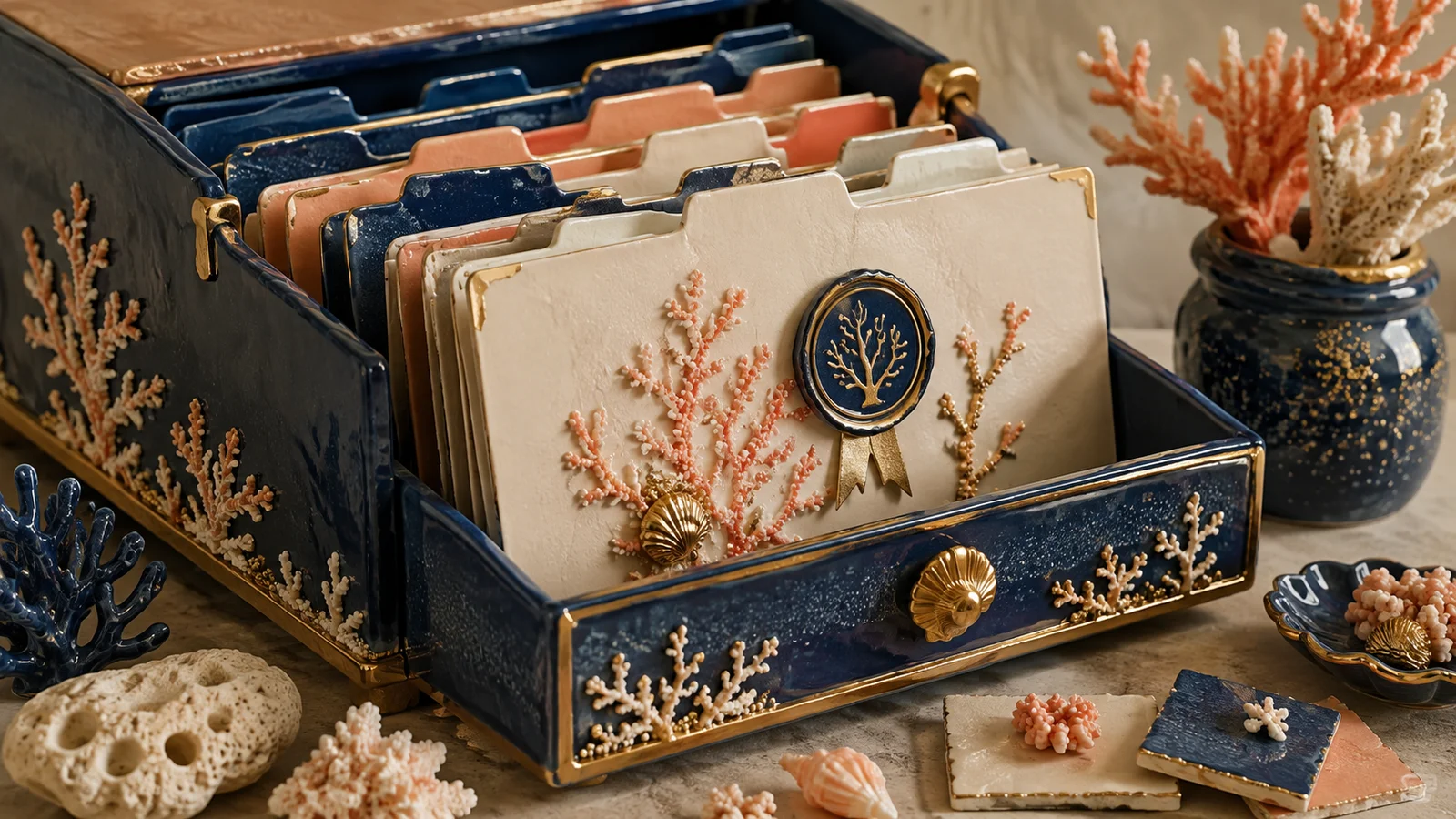
How to request brand images with a reusable visual brief
Describe the scene, style, and constraints to generate coherent images and review them thoughtfully.

Key takeaways
- Describe an observable scene and its function within the asset.
- Maintain a shared visual direction throughout the series.
- Review the final result: a well-written prompt does not guarantee a correct image.
A generated image can look good on its own yet feel disconnected from the rest of your brand. To build a series, you need to describe both what appears and the visual decisions that should repeat. This reusable brief helps you separate subject, style, and review criteria without improvising every request.
Define what the image should explain
Before requesting an aesthetic, write down what the asset is for. A cover can introduce the topic; an interior image should clarify a process or show a comparison. “Something about creativity” leaves too many decisions open.
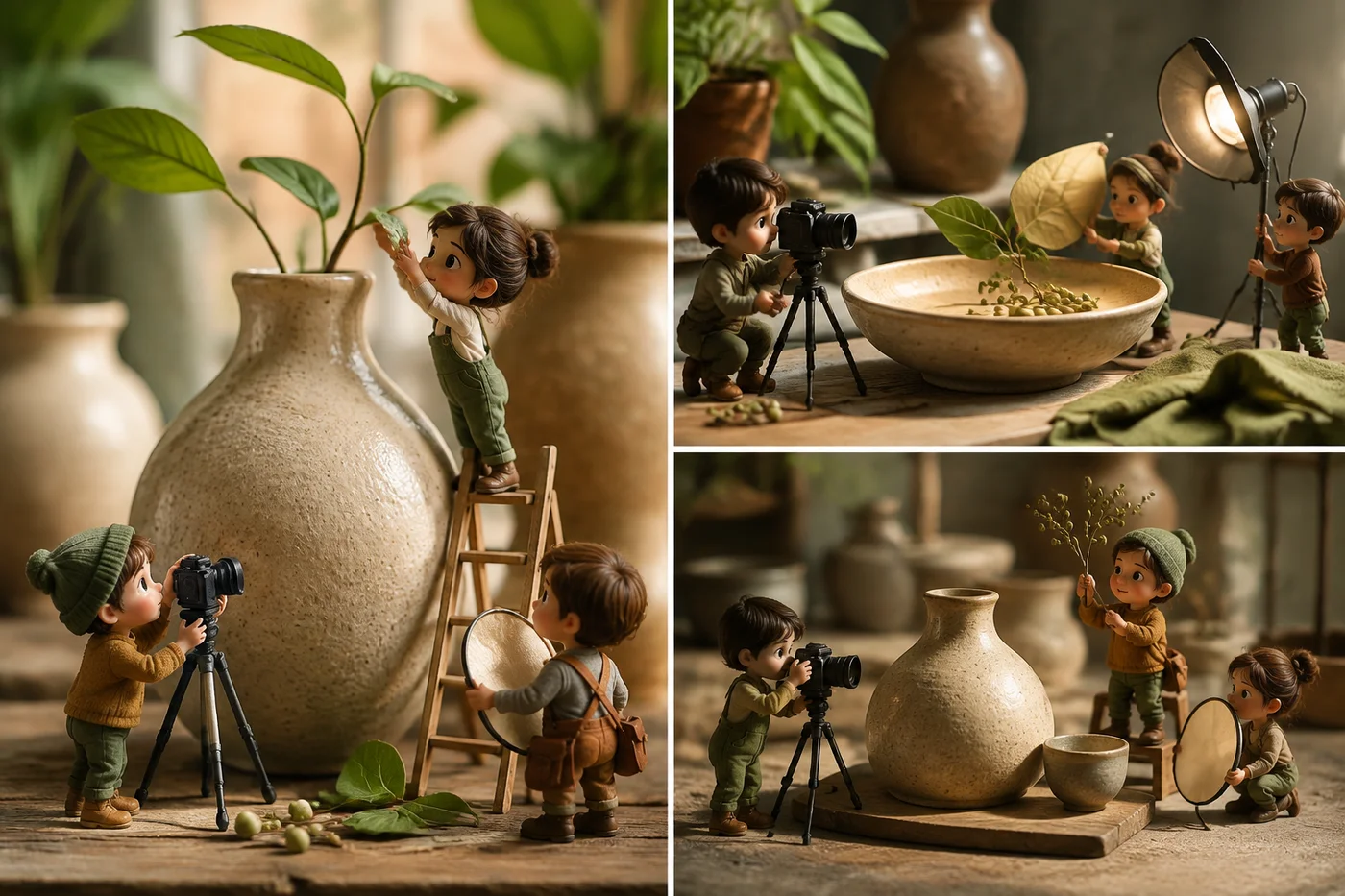
Hypothetical example: to explain visual consistency, request the same mug in three compositions that preserve lighting and texture. That scene communicates a specific rule. If the image merely repeats a beautiful object, it may not add information to the article.
Separate content from visual direction
Content describes the subject, actions, and objects. Visual direction describes technique, lighting, perspective, materials, and level of detail. Save that second part as a reusable base and change the scene for each article.
Add references specifying what to take from each one. One reference may define texture and another framing, without copying their objects or entire composition. For interior images, also use an already approved cover as a reference for continuity.
Include constraints that respond to the intended use
Specify aspect ratio, intended crop, and whether the image will sit alongside text outside it. Describe what should not appear when there is a concrete risk: third-party names, invented figures, simulated interfaces, or unreadable text.
Keep essential headings, data, and labels as real text on the page whenever possible. This lets you correct them and adapt them to another language without regenerating an illustration. An image can support an explanation without carrying all the information.
| Field | Example | Stays or changes |
|---|---|---|
| Function | Explain three compositions of the same scene | Changes by asset |
| Scene | A ceramic mug and a branch on a table | Changes by subject |
| Style | Textured paper, soft light, simple shapes | Stays across the series |
| Constraints | No embedded text or third-party brands | Adapts to the use |
Review with a short checklist and change one thing at a time
Check the subject, coherence, object geometry, crop, and potentially misleading details. Enlarge the image to inspect hands, connections, and accidental text. Then view it at the actual card or article size.
If you need a correction, preserve what was approved and name one specific change. Requesting a new composition, new lighting, and another material at once makes it difficult to know what improved. Save the final prompt alongside the selected image.
Document the result and its text alternative
Record the visual direction, references used, and final file. Add alternative text describing what it contributes in that context; avoid repeating the article title if it does not explain the image. W3C's images tutorial distinguishes alternatives by the resource's function.
A conceptual illustration should not be presented as a photograph of a real, available product. When it represents a fictional example, clarify that in context. Visual coherence also includes accurate expectations about what is being shown.
Write and test your visual brief
- Describe the function and a specific scene in two sentences.
- Save technique, lighting, materials, and palette as the shared direction.
- Generate, review the actual crop, and keep the prompt, file, and alternative text.
Frequently asked questions
Does the same prompt always produce the same image?
You should not rely on that to preserve an approved asset. Save the final file and references; treat new generations as proposals requiring review.
Can I mix styles?
Yes, when there is an editorial reason and rules connecting them. Within a guide, continuity is usually easier to maintain with a single visual direction.
What should I do about text or data inside the image?
Check each item individually and provide essential information as accessible text. For tables or exact figures, use page elements you can edit and verify.